
Language: English
There!
Can't find something? Let AI help you look.
Take a photo of the place where you last saw it and tell There! what is missing. AI checks the photo and highlights a place to look. Zoom in and check if it is your item.
Coming to iPhone and Android
See how There! worksAsk about launch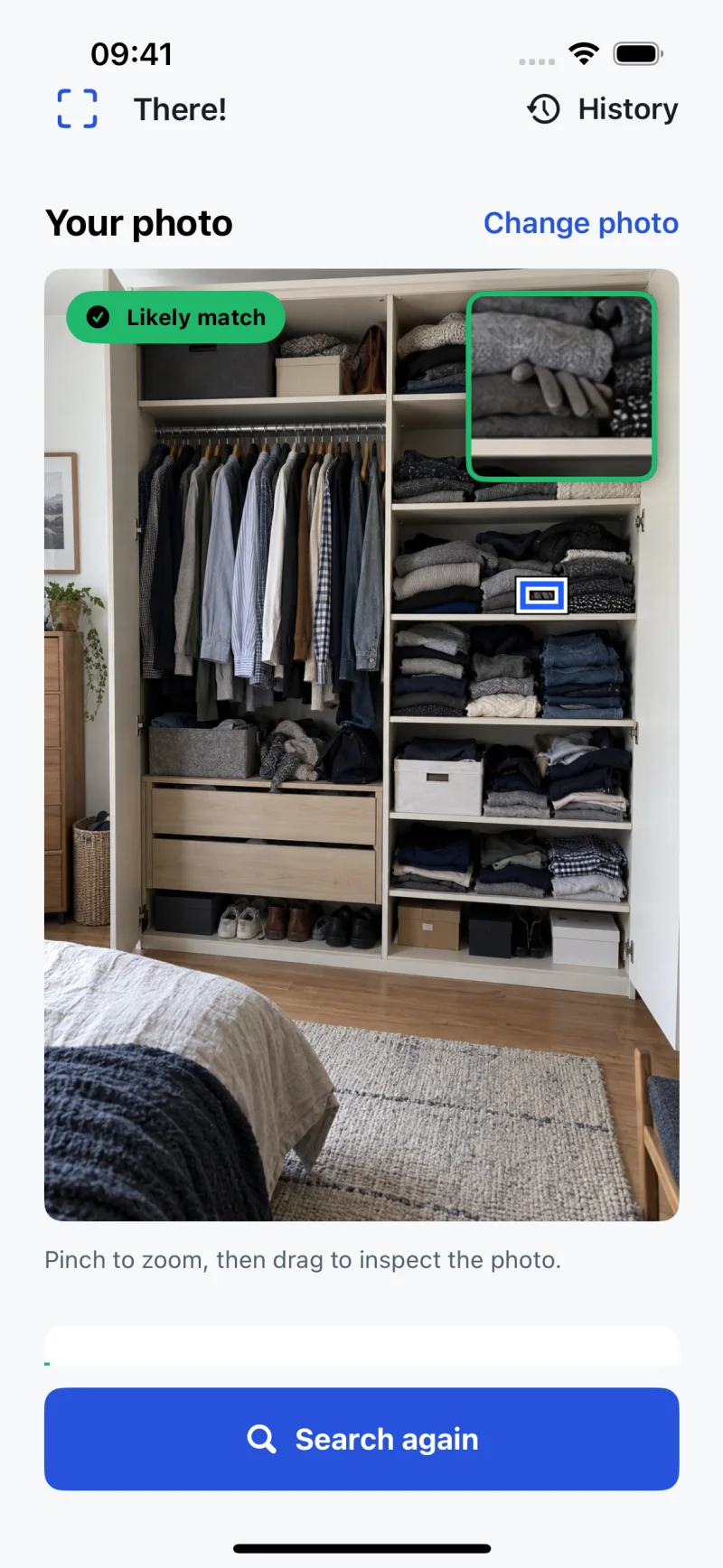
Actual There! app screen with an illustrative search photo. The app is not available for general release yet. Store links will appear after launch.
How There! works
One photo and a short description are enough to start a search.
Take or choose a photo
Capture the area where the item might be, or use a photo you already have. The item needs to be visible in the image.
Tell There! what is missing
Describe the item in your own words. Details like its colour or shape can help narrow the search.
Check the marked place
If There! spots a match, it marks the area on your photo. Zoom in to check it yourself. If it cannot find a match, it tells you.
Places worth another look
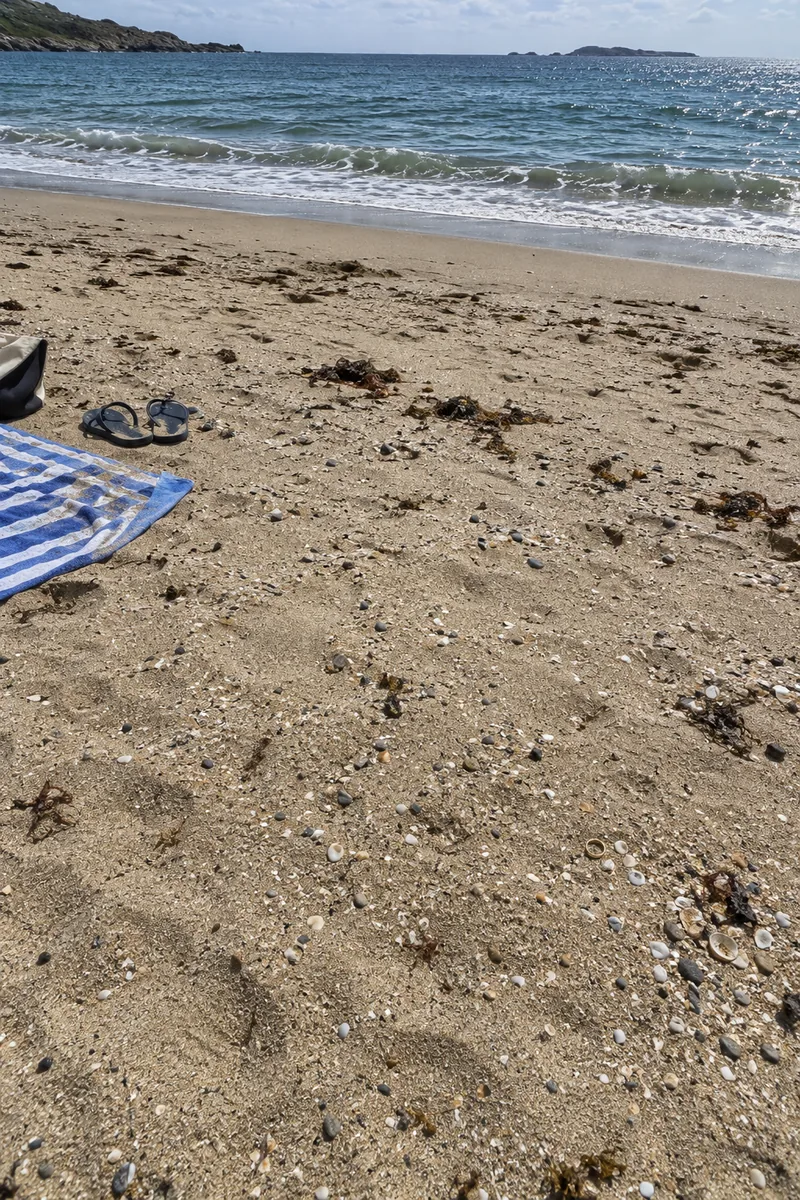
A ring on the beach, a key in the grass or a glove among clothes. Small things are easy to miss. These example photos show the kinds of places you can check with There!.


See where to look
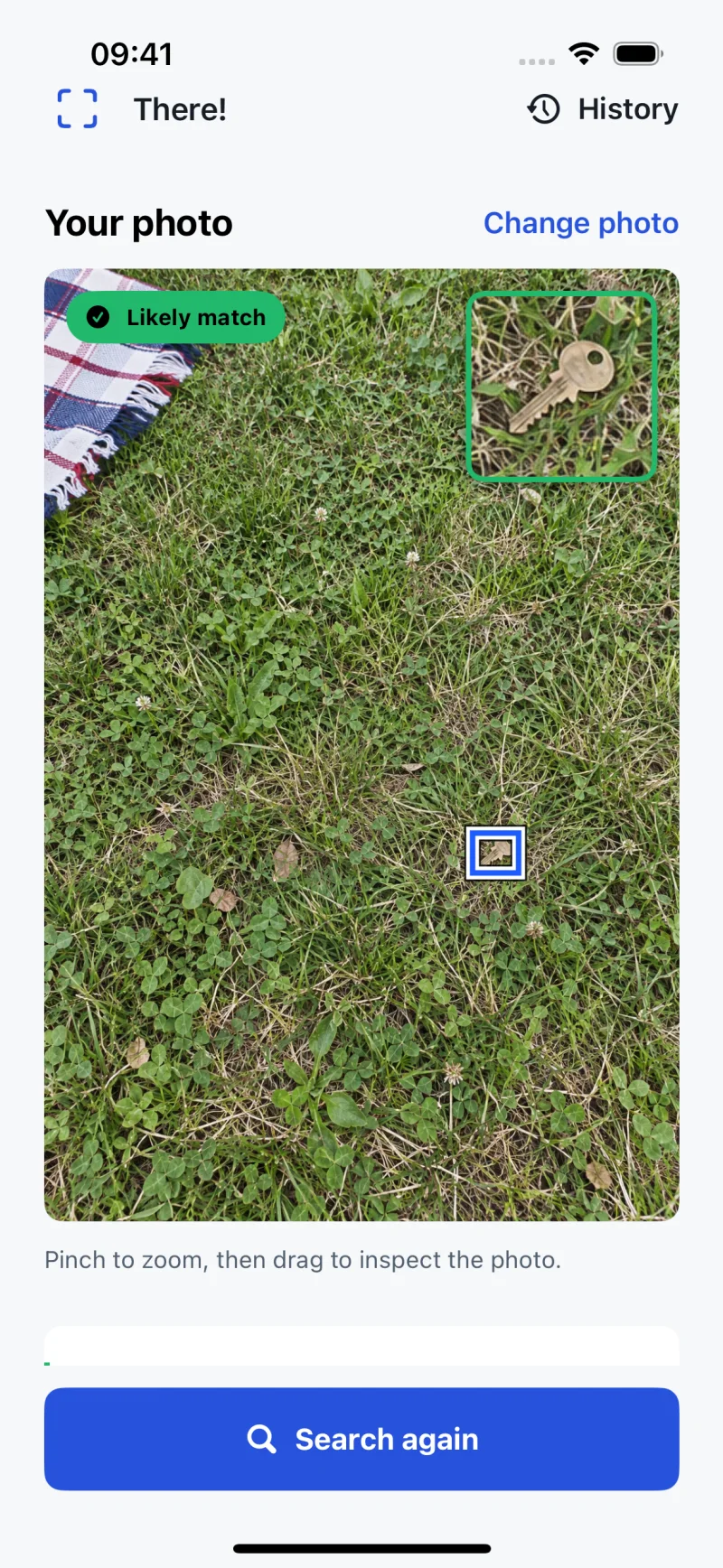
In this example, There! found a key in the grass. The app marks its place in the photo so you can check it yourself. Results can vary.
Before the first search with a photo, There! asks to send that photo and your description through our server to OpenAI. Cancel to keep the photo on your device. Completed searches are saved on this device. Analytics is off by default and can be changed in Privacy choices; see the privacy policy.
Questions about There!
Can it find something that is hidden?
No. There! checks visible parts of the photo. It cannot see inside a bag, under sand, behind clothes or outside the frame.
Does it track my location?
No. The search uses the photo and your description, not GPS or Bluetooth.
What if it does not find anything?
It will tell you when it cannot find a match. You can try another photo or describe the item in more detail. Check any marked area yourself.
Are searches free?
The planned model allows searches until your first likely found result, including that result. Paid search packs and a monthly allowance are planned for later. Sales are not active yet.